
Adding Photos from the Phone to the Computer Order Screen
Para añadir imágenes desde tu móvil cuando estás preparando la personalización de un producto desde un ordenador u otro tipo de dispositivo, hay que seguir los siguientes pasos.
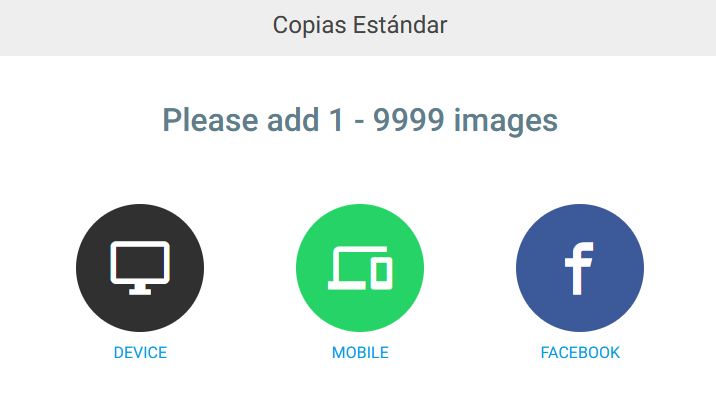
1 – Select “Phone” or “Mobile” in the image selector
When the desired product is selected and the editor is accessed, a screen is presented to choose where the photos to be included in the design are located:
2 – Scan the QR code from the phone
Next, open the phone’s camera and scan the QR code presented on the computer screen.
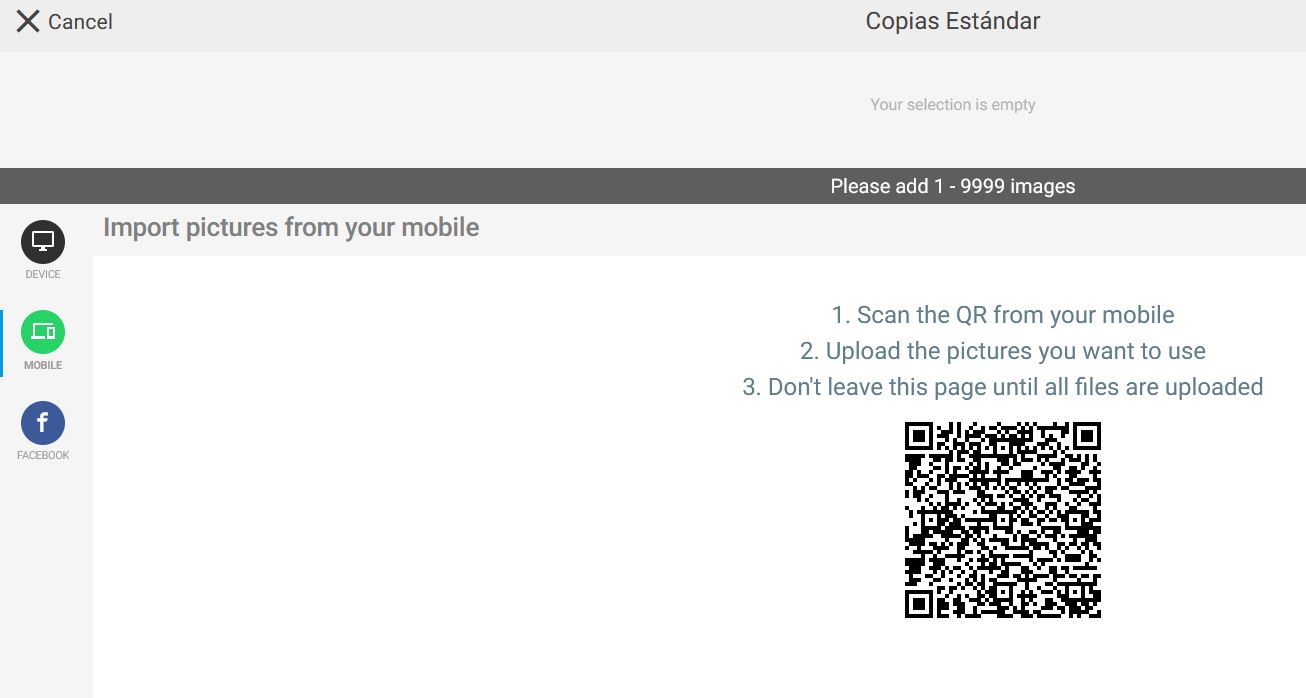
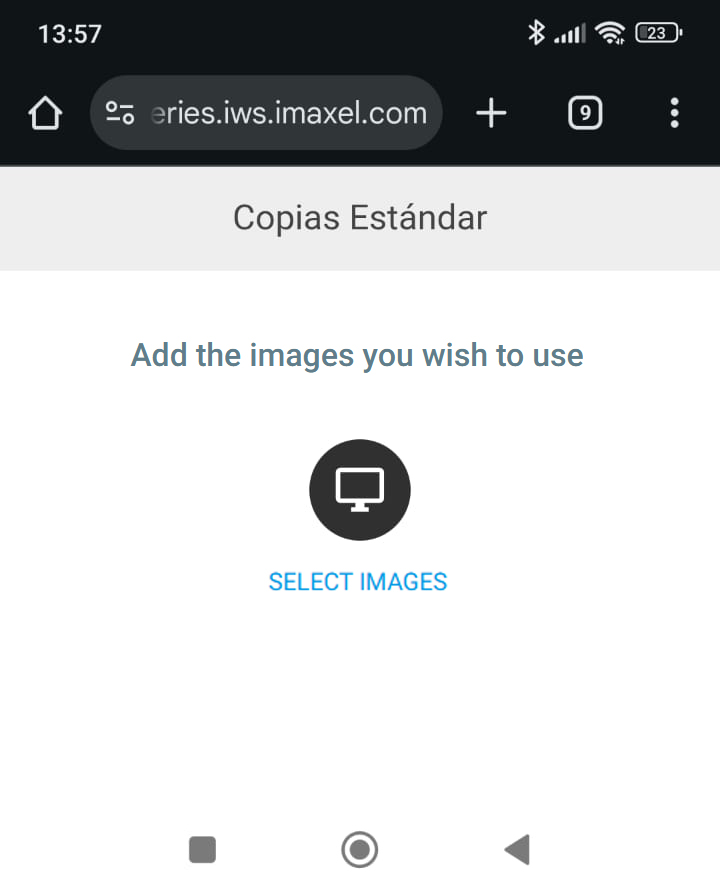
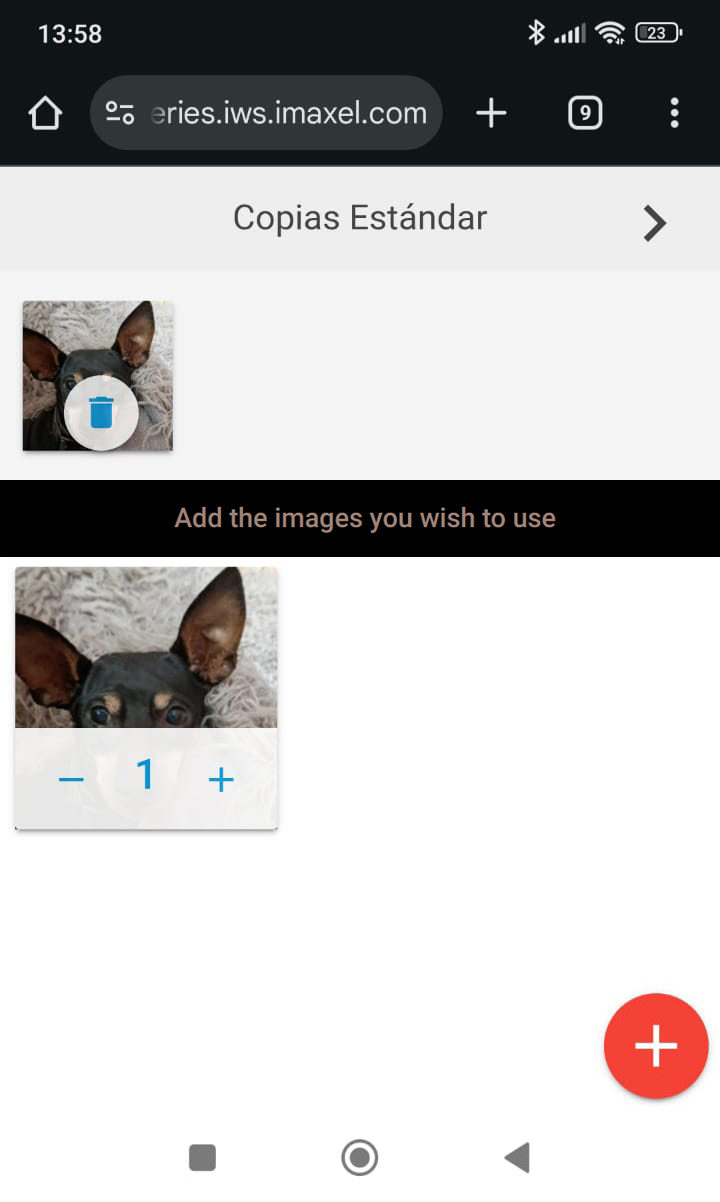
The QR links the phone with the computer and opens an image selector that allows browsing and selecting photos from the phone.
 |
 |
3 – Continue preparing the design from the computer
The photos selected on the phone are automatically added to the computer screen. When all the desired photos have been added, you can continue with the personalization from the computer.
We can see an example in the following link: