
Conversion of .ai files to .svg
Introduction
Due to the standardized use of the **Adobe Illustrator** program for creating specific designs, it is necessary to **convert them to an SVG format compatible with Inkscape** for using these files as material in HTML5 editors, as the direct use of SVG files created directly from AI generates rendering problems.
In the following link, there is information related to this issue https://inkscape.org/learn/faq/
How To: https://inkscape.org/learn/faq/#how-install-uniconvertor-windows
And as a suggested solution to this problem, Inkscape proposes installing a converter.
Installer: https://sk1project.net/uc2/download/
The process for the conversion is as follows:
– Install the converter on your computer.
– Download an **.ai file** and open it in **Inkscape**. Doing so enables a **Wizard**, where you can choose the work page you want to open.
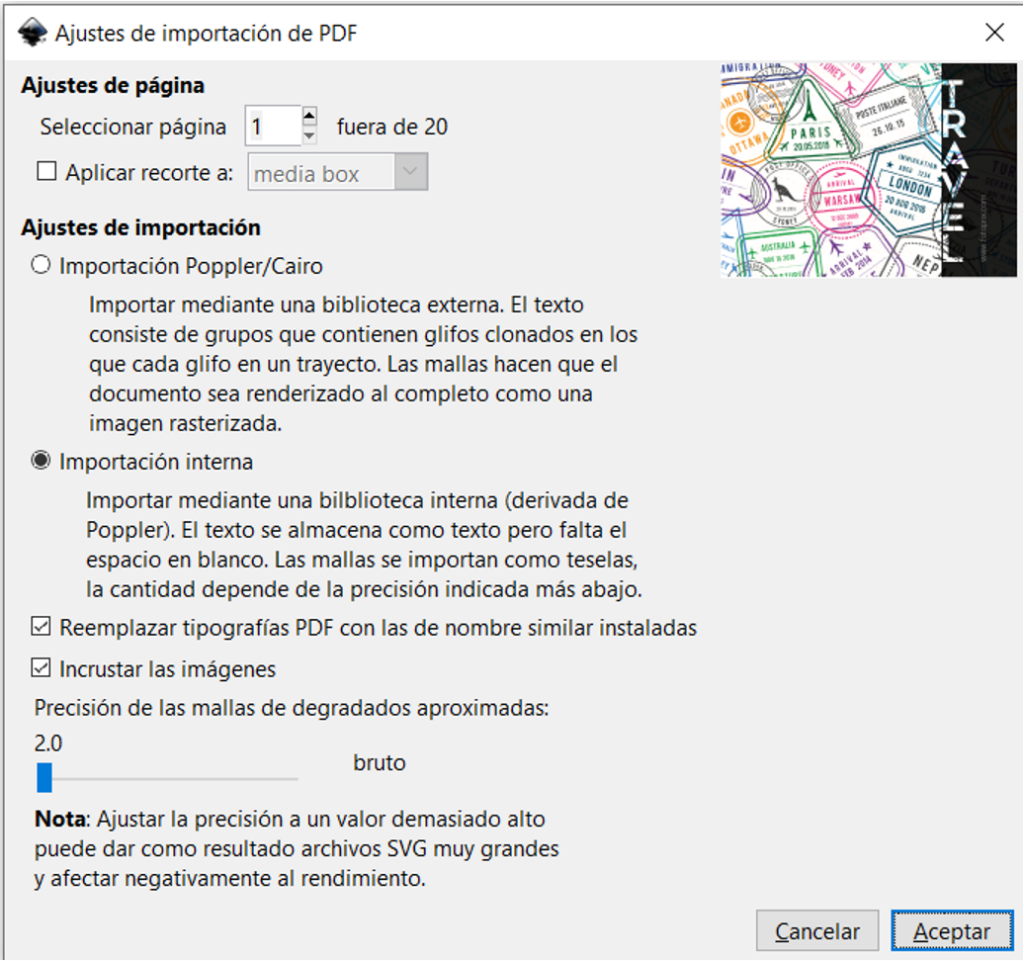
– Once selected, without touching anything, I saved it as an **SVG file**.
– This **SVG file** can be used for the **MATERIALS** section of the Services back office. It must be uploaded as a **DESIGN**.
– The **DESIGN** is assigned to the **ARTWORK**.
NOTE: More information about files created in Illustrator.