Free Format
Free Format
The editor for products without a specific format can calculate the price of the printed product based on multiple variables.
It supports all types of image files: JPG, JPEG & PDF. The result of the final image file is the same as the source, since the main function of this editor is to calculate the price of an order relative to a series of variables such as final sizes, format types, finishes, etc…
To register new products, click the **Create** button and select the “**Free Format**” editor.
Pricing Model
This editor only allows using the price per square meter of surface area.

Dimensions
In this section, we configure the minimum and maximum values -Width and Height- allowed in millimeters.
The combination of the Price /m2 values and dimensions are used to calculate the price of the final product.
Order Flow and Product Price on Screen
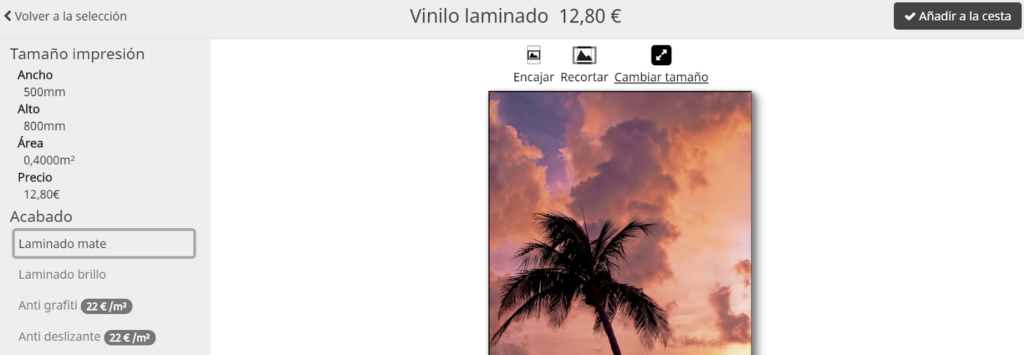
The editor only allows the selection of a single image. Once selected, it displays the image’s Width x Height dimensions on screen, indicating the area in m2 of the image.
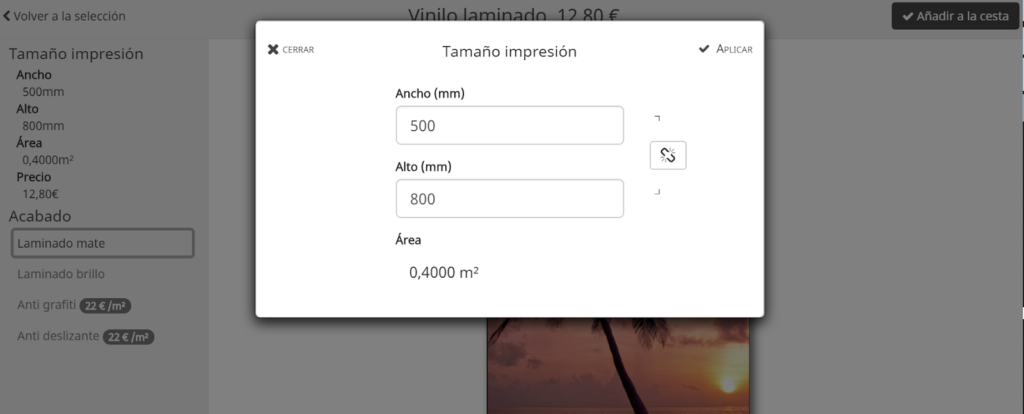
From the product editing screen, it is possible to change the print size. It is simply necessary to respect the minimum and maximum values in the Width and Height fields configured in the Dimensions Section. An alert appears if values smaller or larger than those configured are used.
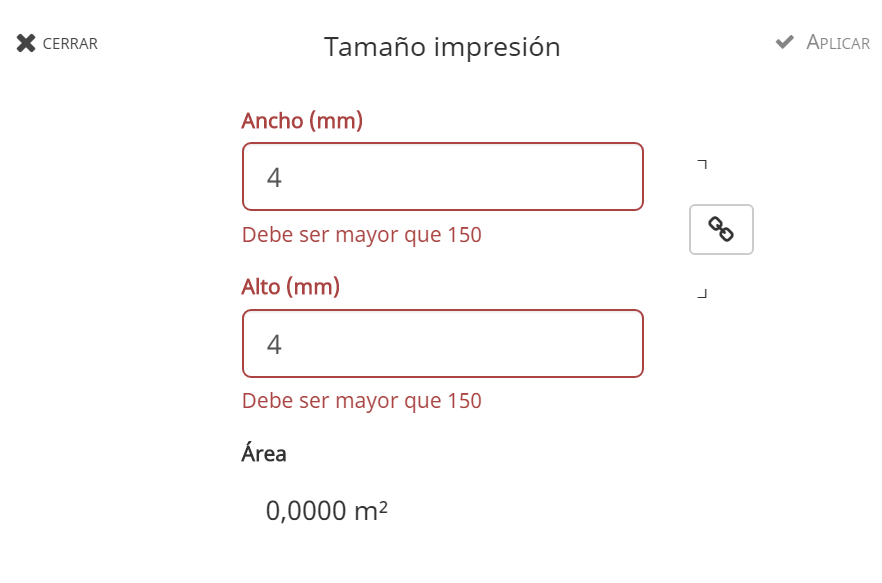
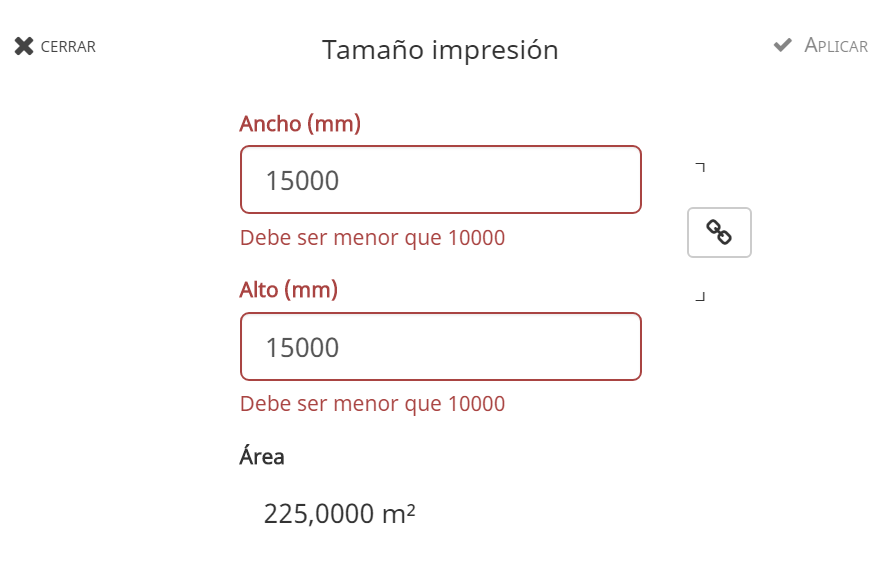
The “linked” or “broken” chain selector indicates that you can change the width or height values in a proportional way to the image, respecting the ratio, or without respecting the image ratio.
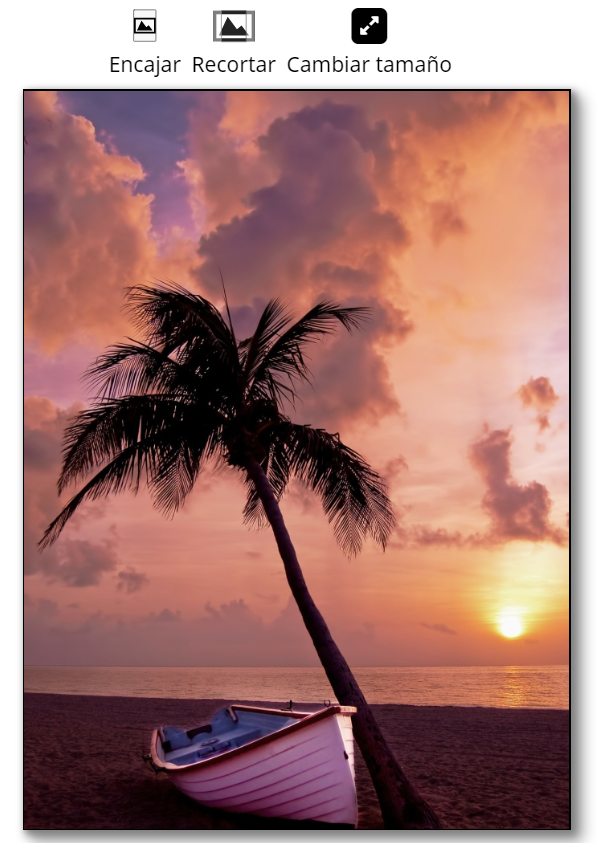
Once a size is selected, it is possible to edit it using the buttons that appear at the top of the image to Fit or Crop the image within the created area.
These values provide the Editor with the calculated price of the product following the selected parameters.