
How can We help you?
How to Configure the Contact Form
In Printspot, you have the possibility to enable a contact form for your customers:
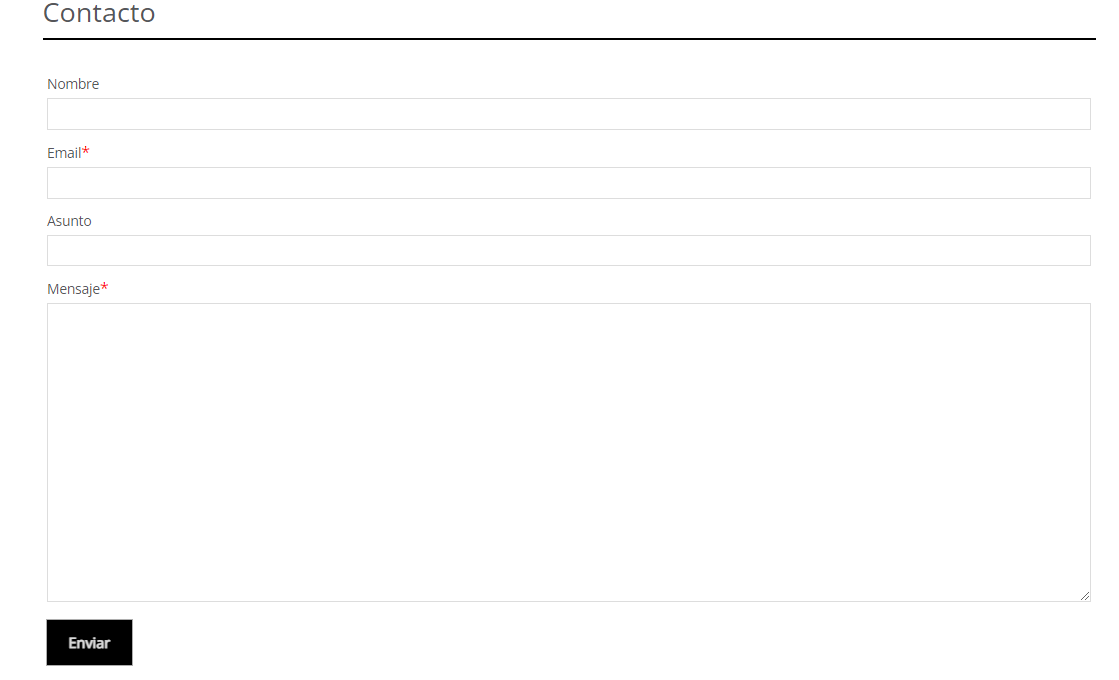
You can configure it with a few simple steps.
Access the section Customization – Store Pages – Contact Page and we can enable or disable this functionality using this checkbox:

Next, we must fill in the recipient field:

With the email address that should receive the contact form sent by the customer.
The link to the contact form in the store will automatically appear in the top menu:
