
Print Center – Introduction
The Print Center is a tool for production optimization that is part of the Imaxel Station application.
It is designed to automate processes in the reception and printing of orders and adapts to any volume of production.
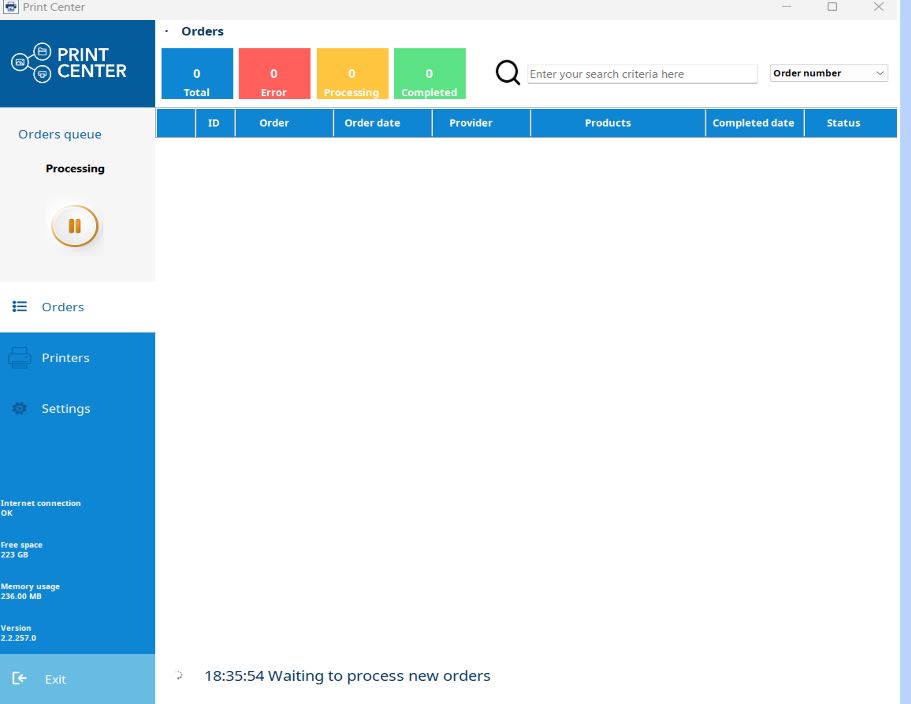
Thanks to the Print Center, we can operate orders from different origins, such as our Printspot sales front, a website with a CMS and our integration plugin, or offline products (orders managed on the same machine where the operator is, without needing an internet connection, such as in a Kiosk, for example).
Furthermore, it has developed direct printing integrations with several of the market’s leading brands, such as Fujifilm, DNP, Citizen, Mitsubishi or Noritsu, adding the possibility of working with hotfolders for any other integration with another brand.
The Print Center incorporates these and other features that depend on your needs, so it is moldable to activate certain features and omit those that are not useful to you.
Minimum Requirements
Hardware:
- RAM Memory: 4 GB
- Hard drive space: 5 GB available
Software: Windows 10 or higher 64 bit
Connectivity:
- Internet access.
- Ethernet network card
- WIFI Network
Installation
First, we will download the Station, which contains the Print Center; we can do so through the following link:
Once installed, we will proceed with the installation:
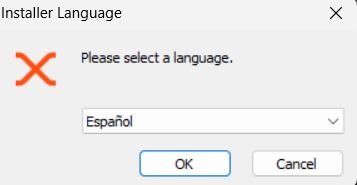
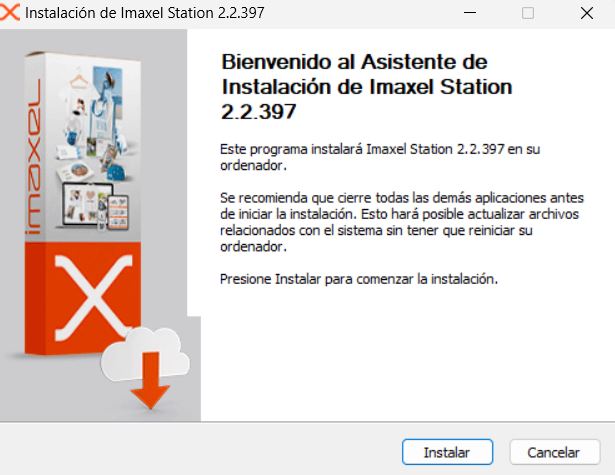
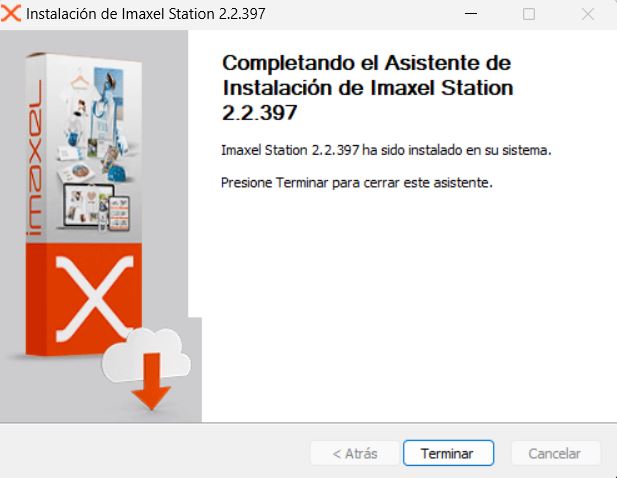
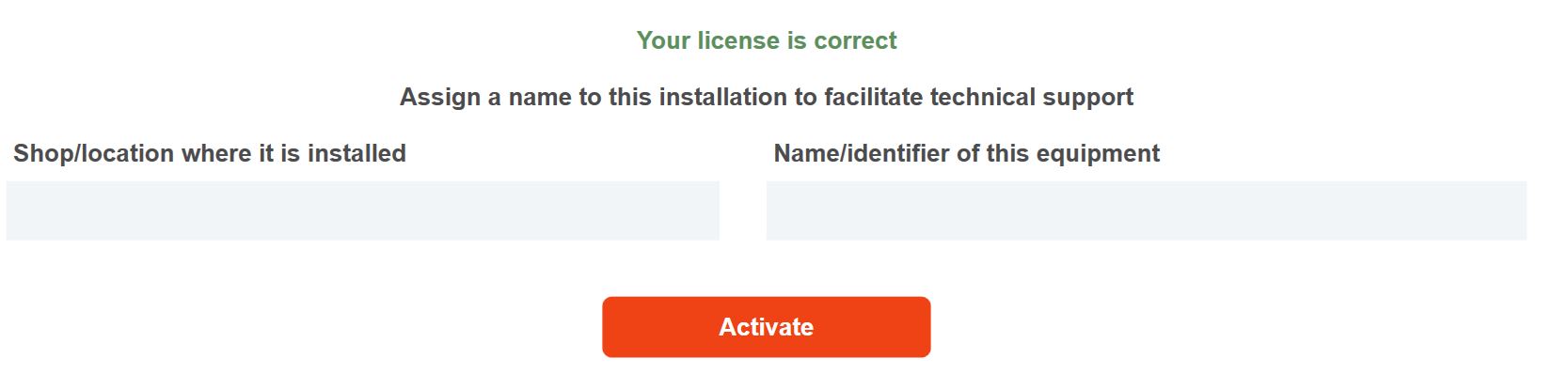
Once it is installed, the license number will be required and the Print Center will be configured according to your requirements, and a screen will appear to introduce data that identifies the equipment where it is installed:
Next, we will see step by step all the possible flows that orders can follow.