
How can We help you?
Print Center – Orders
In the **Orders screen** of the **Print Center**, we will receive all orders for production and where we can obtain details about them.
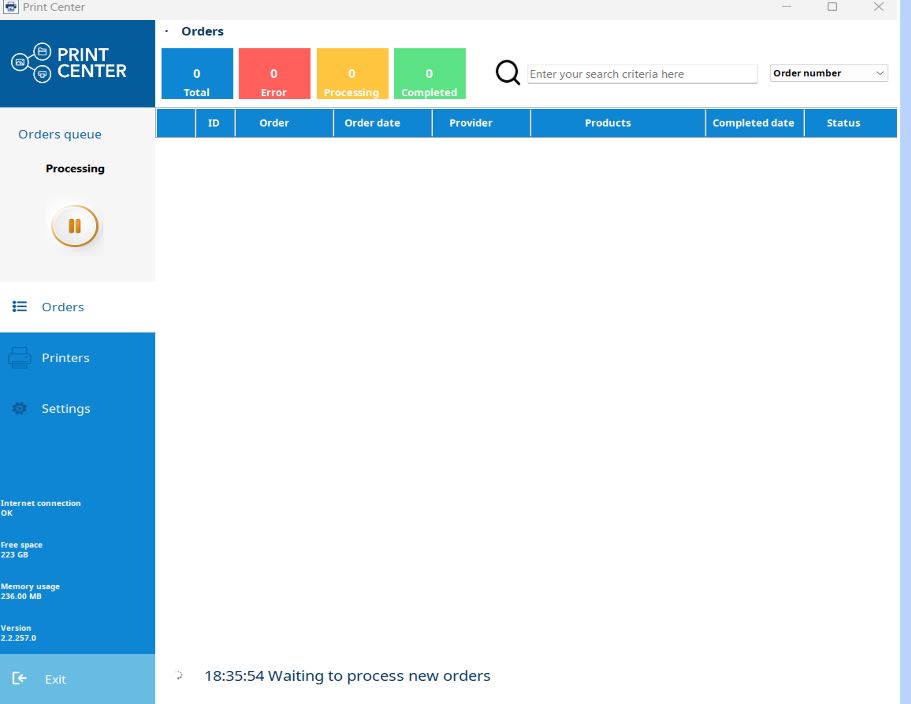
When we are on this screen, the Print Center is constantly checking if there are orders to download. Once the order is downloaded, it will be processed according to its printing rule.
The printing rule is where the workflows for each product are configured (output to folder, hotfolder, direct printing).
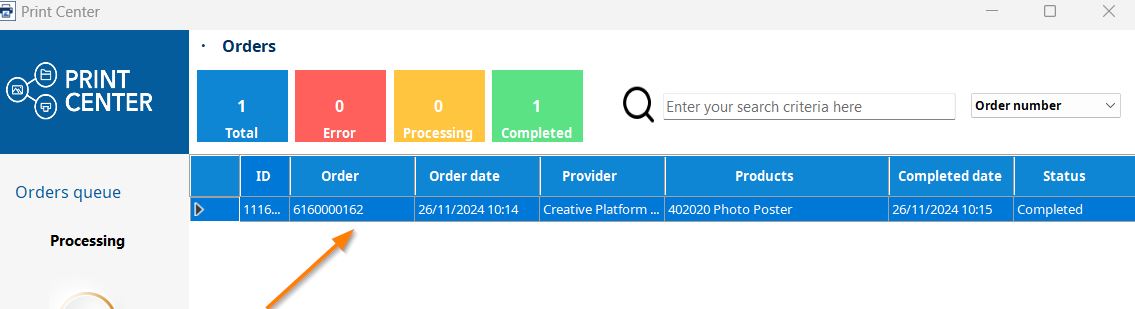
Once the order is downloaded, it is displayed as follows:
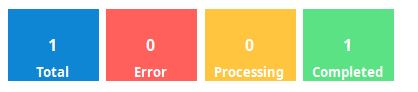
And at the top, we have filters where we can quickly see successfully processed or errored orders. By clicking on these filters, we will access the orders in their different statuses: Error, Processing, or Completed.
Once we select an order, the options to obtain related information are displayed:
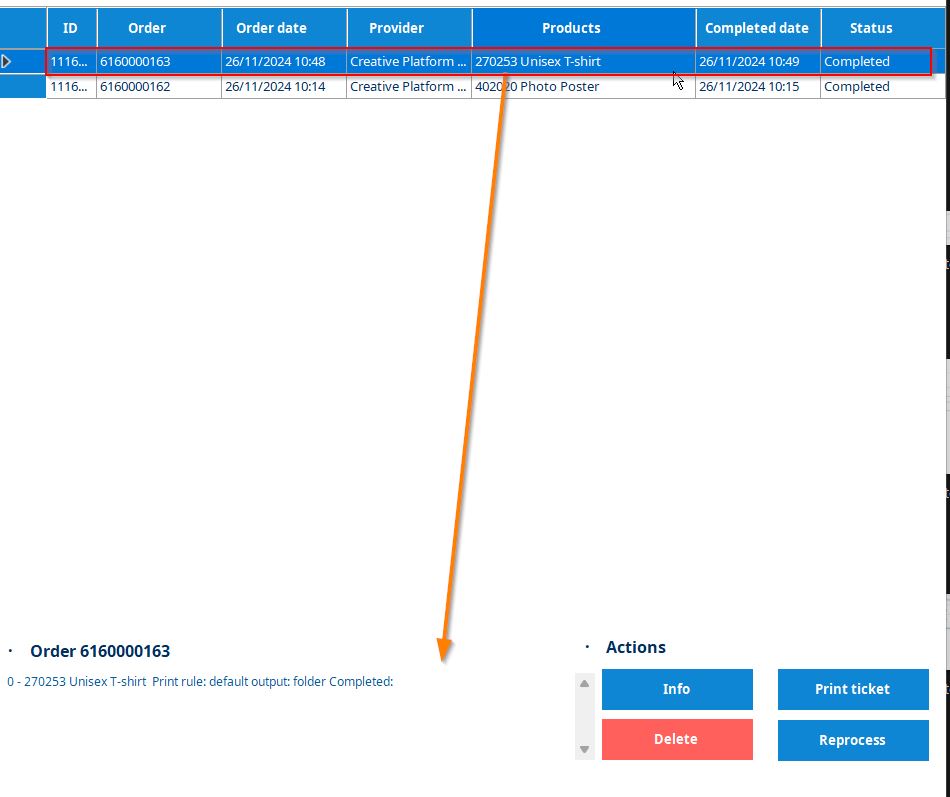
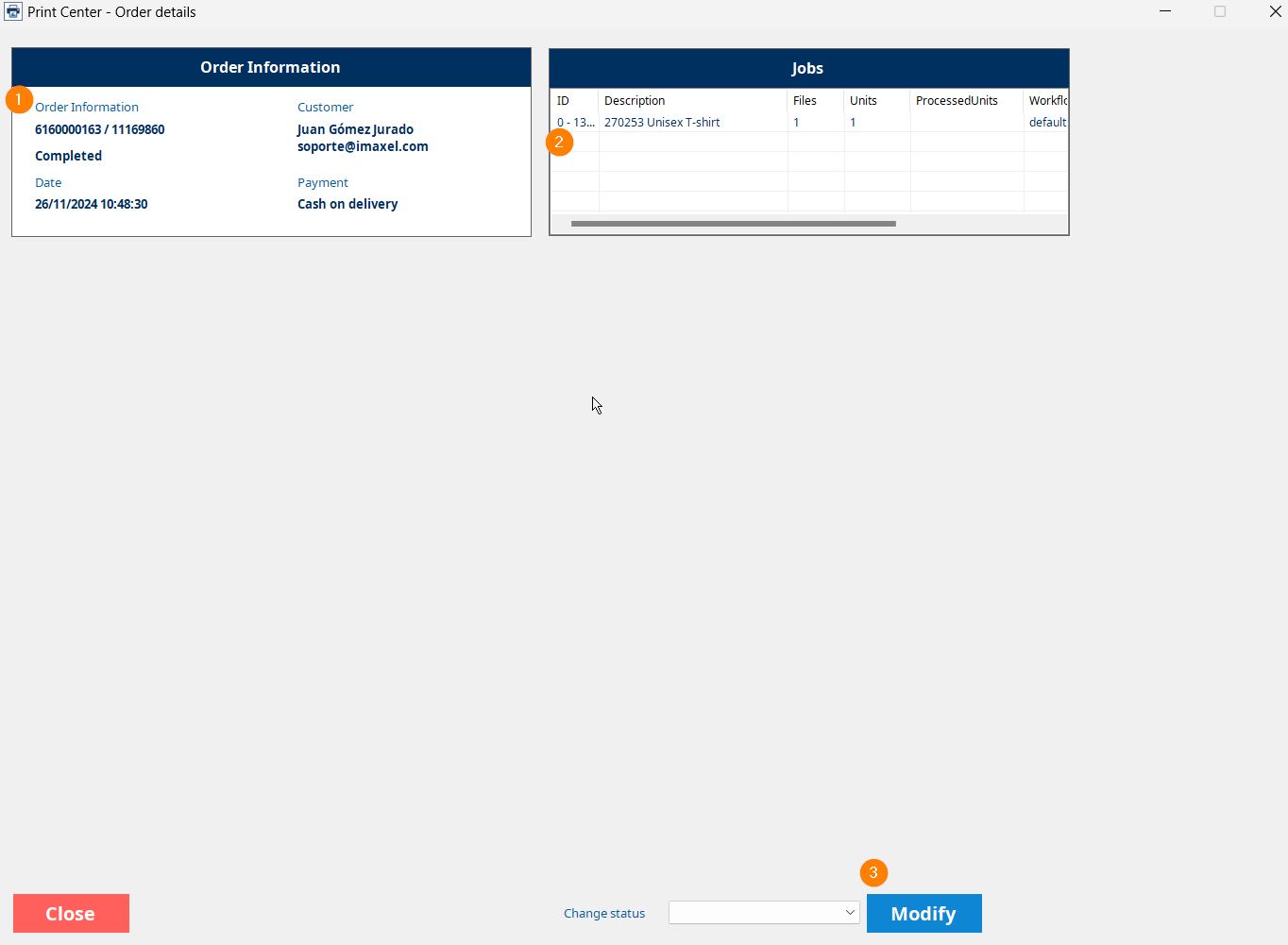
- Info
- Information on order data (customer data, order status, payment method, and reception date)
- Product information (reference, description, units, printing workflow)
- A dropdown that allows changing the order status (Error or Completed)
- Print Ticket
Reprints the order ticket - Delete
Deletes the order - Reprocess
Reprocesses the order in the defined printing workflow
At the top, we have a search engine by order numbers:
