
Cross-Selling Module in Printspot
Discover how to turn small orders into large sales and increase your average ticket effortlessly by activating the new Intelligent Cross-Selling Module in Printspot.
In the following video, you can see what it consists of:
How does this Imaxel technology work?
Product Selection:
The purchase flow for Printspot store customers is as follows:
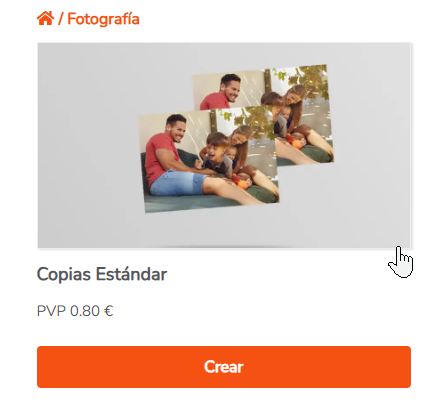
- Selection of the desired product by the customer:
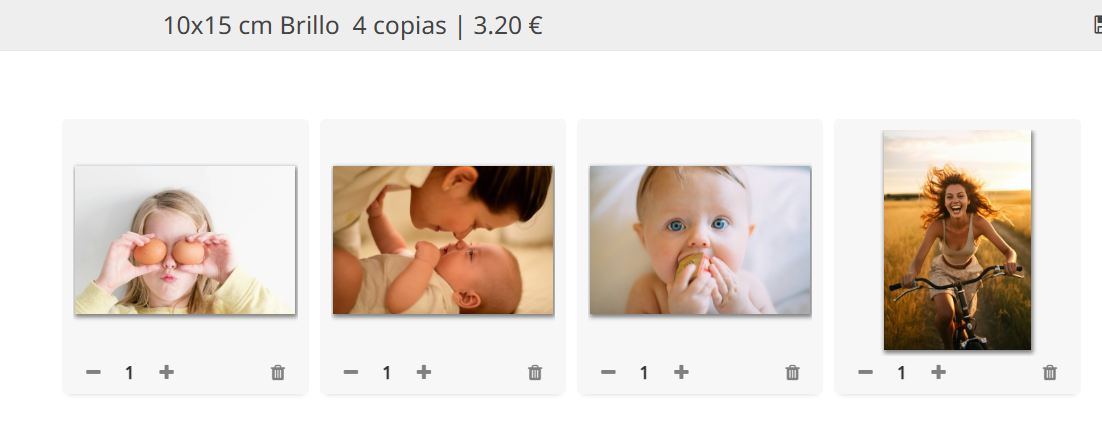
- Product personalization:
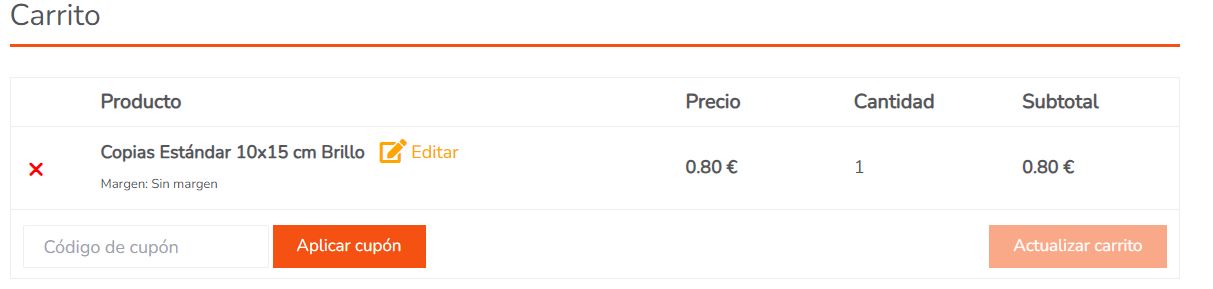
- Viewing the product in the shopping cart:
Real-time analysis:
At this moment, Printspot analyzes the customer’s images and instantly prepares complementary products already personalized with the user’s photos:
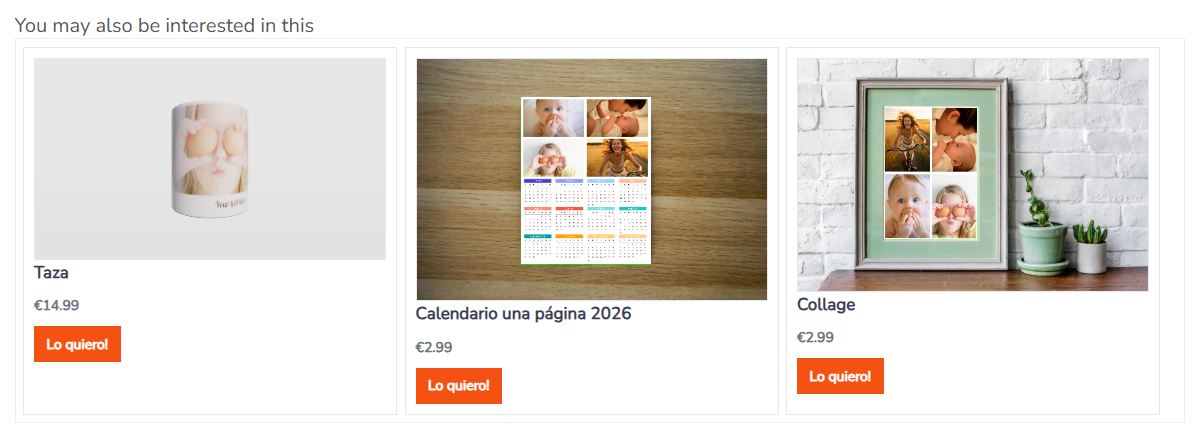
Using AI, the editor detects faces in the photos and automatically places them in the designated slots, reducing the need for product editing.
If we access the product editing through the “I want it!” button, we will see the possibilities it offers:

The customer can freely modify their design or use this button:
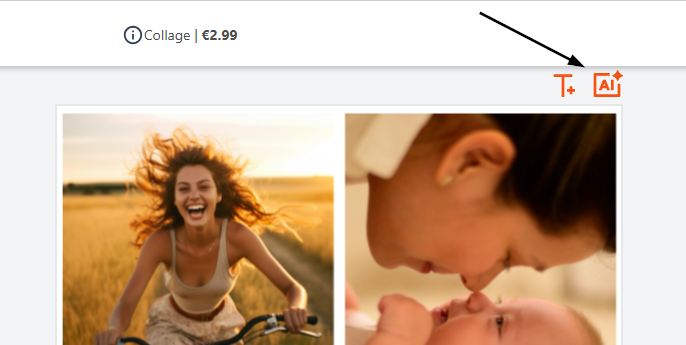
Which re-analyzes the image content and suggests a matching design:

Product Preview
Using the Preview button:
We will get the preview of our personalization.
Some previews are in 3D (such as mugs or cushions) and others in 2D.
If we click the Add to cart button, it will add it to the current purchase:
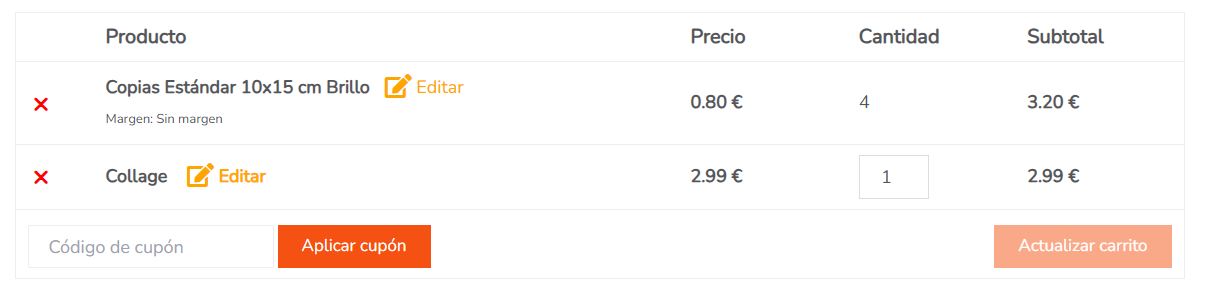
And the customer can complete the order normally.
What products can I include and how are they created?
Our goal is to reduce your workload, not increase it; for that reason, we will first take care of creating the products by providing you with some examples.
As time goes on, we will expand the available catalog, and you will have total freedom of choice and use.
The currently available products are:
- White Mug
Output print file dimensions: 214 x 87 mm - Cushion
Output print file dimensions: 350 x 350 mm - White Foam Panel
Output print file dimensions: 150 x 150 mm - Single Page Calendar 2026
Output print file dimensions: 150 x 200 mm - Collage
Output print file dimensions: 150 x 200 mm
How is it activated?
Simply send an email to soporte@imaxel.com indicating the following:
- Desired products from the list
- The desired RRP (Retail Price) for each product
- The link to your destination Printspot store where we will activate them
If you have any additional questions, you can schedule a session with us by clicking here.
How does it work if I am using WordPress?
The flow is exactly the same as in Printspot (activation, product selection…), it is only necessary to have the latest version installed, which you can download here.
Consult our article on WordPress plugin integration for more details.
FAQ
- Can I install it on my Prestashop?
For now, the integration is only available for Printspot or WordPress stores, but we hope to offer it for other types of integrations shortly; as soon as we have it, we will let you know. - How will I receive these orders?
In the same way you are receiving current ones. - Will you let us know when more products are available?
Definitely. - How much does it cost?
Nothing, it is included in your subscription.