
Introducing Products Templates
To get the most out of the Imaxel editors, we will explore their functionality and first address conceptual definitions that will help us contextualize this guide.
We will start by explaining what a product, a product template, a variation, and a project are.
What is a product?
A product is what presents the characteristics of the item, regardless of the environment in which it is viewed. For example, the typical product page in any CMS, where its images, price, description, characteristics, etc., are presented to us…
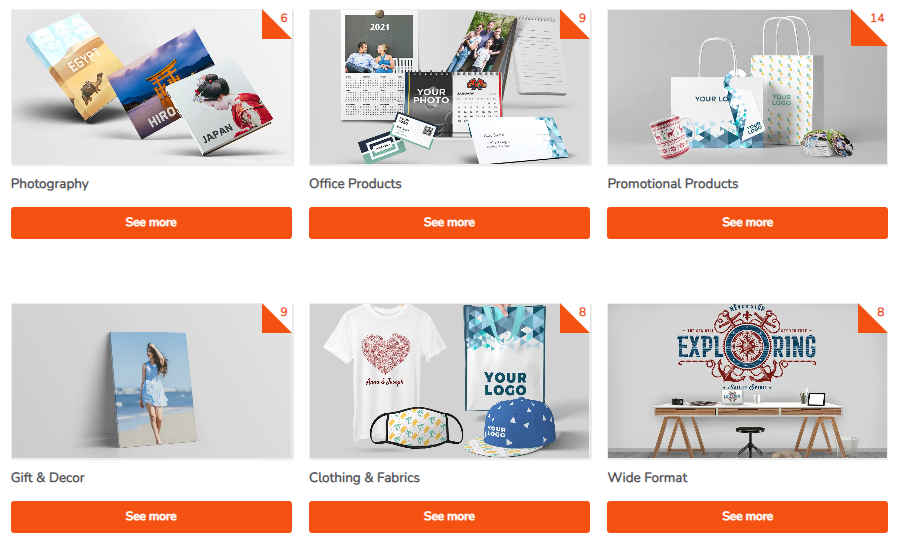
Here we can see the presentation of various products in a Printspot store:
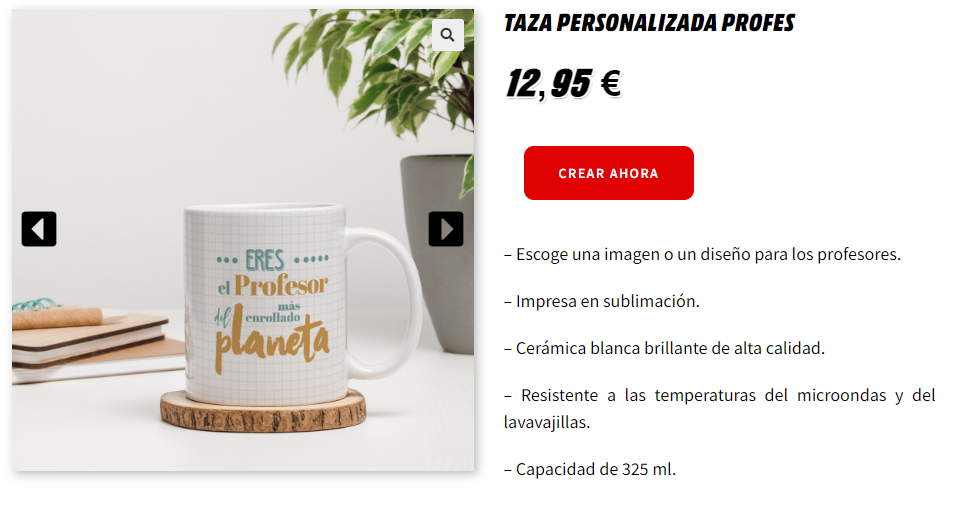
Or we can see how it is presented in a WordPress environment:

Or in any of the CMSs into which it is possible to integrate our editor.
What is a product template?
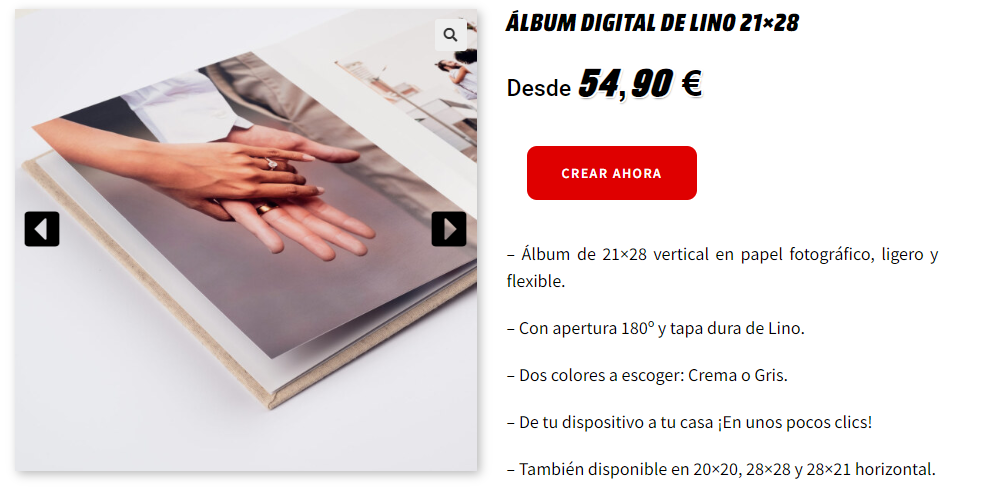
We have a product with the following characteristics:
The moment the user wishes to select which color they want, they must access a section for that purpose: the editor.
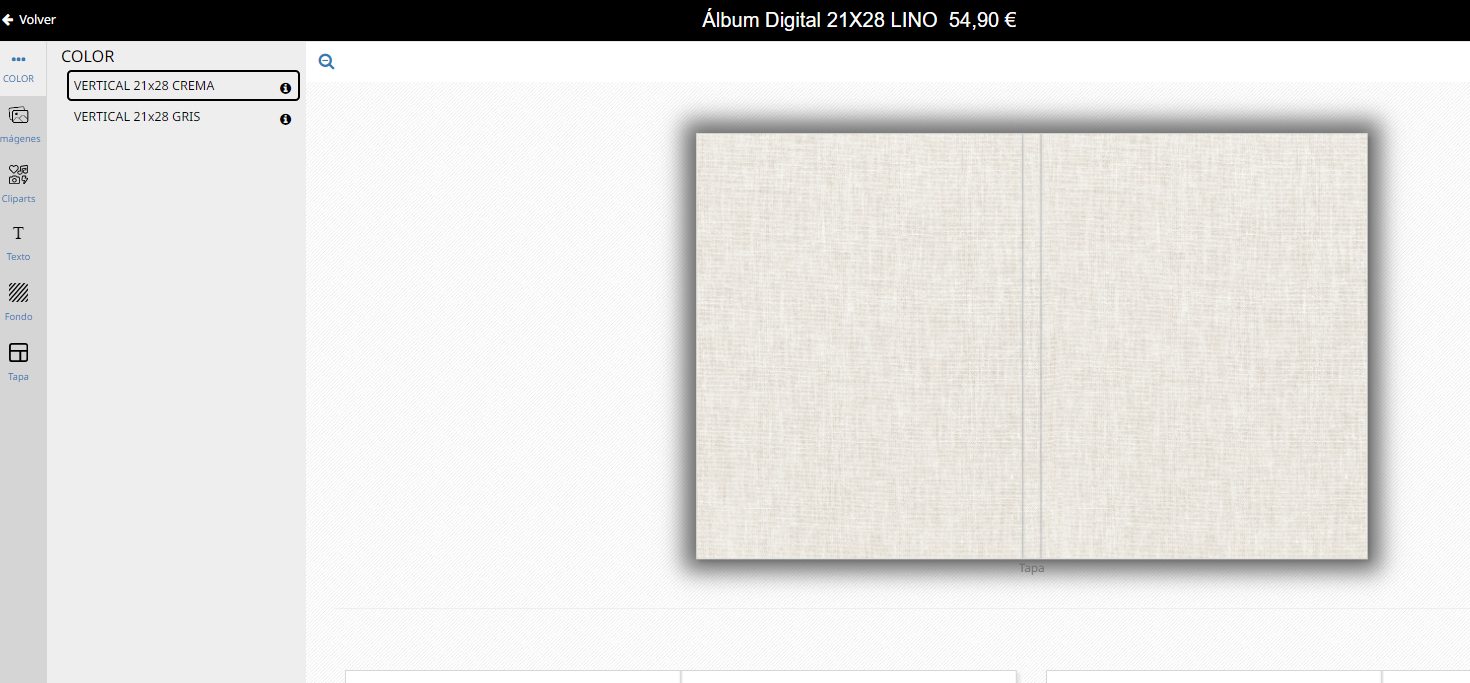
Therefore, the product template is the place where the characteristics of a product are defined and stored:
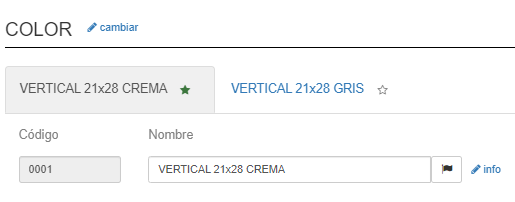
Imagine that this product can only be printed on a printer that only accepts PDF format. It is the responsibility of the template, therefore, to store this information:

What is a variation?
Variations are different versions that a template can have.
For example, if we have a product that is for Standard Print copies:
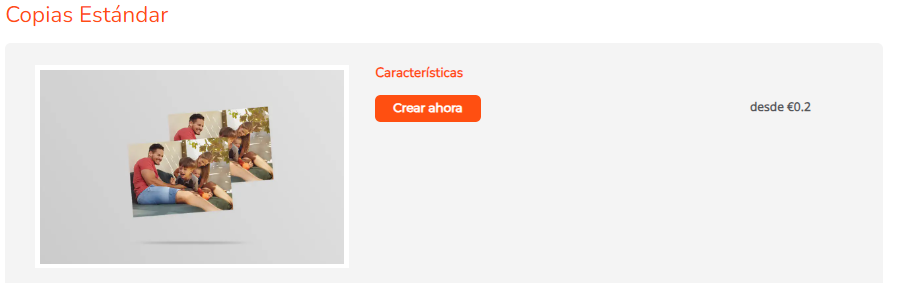
This will have different options such as the different template sizes: 10×7, 9×13, 10×15….
These options, in turn, will have a series of characteristics that make them unique among themselves: The printing size of a 10×7 photo is not the same as the printing size of a 10×15 photo.
Therefore, each of the variations stores the necessary information for its realization.
These variations are presented in the editor as follows:
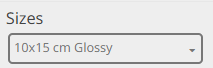
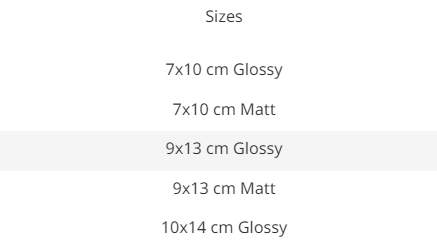
Giving the user the possibility to select the one they want.
In the example, we talk about photo sizes, but the concept of variation applies to any product characteristic we can imagine. Different types of frames for canvases, different thicknesses of a methacrylate support, different collages with different numbers of photos…