Management of Prices in the Printspot Store Catalogue
We have three different ways to display prices in our Printspot store. To select the one that interests us most, we will go to the Personalization – Look & Feel – Catalog section: 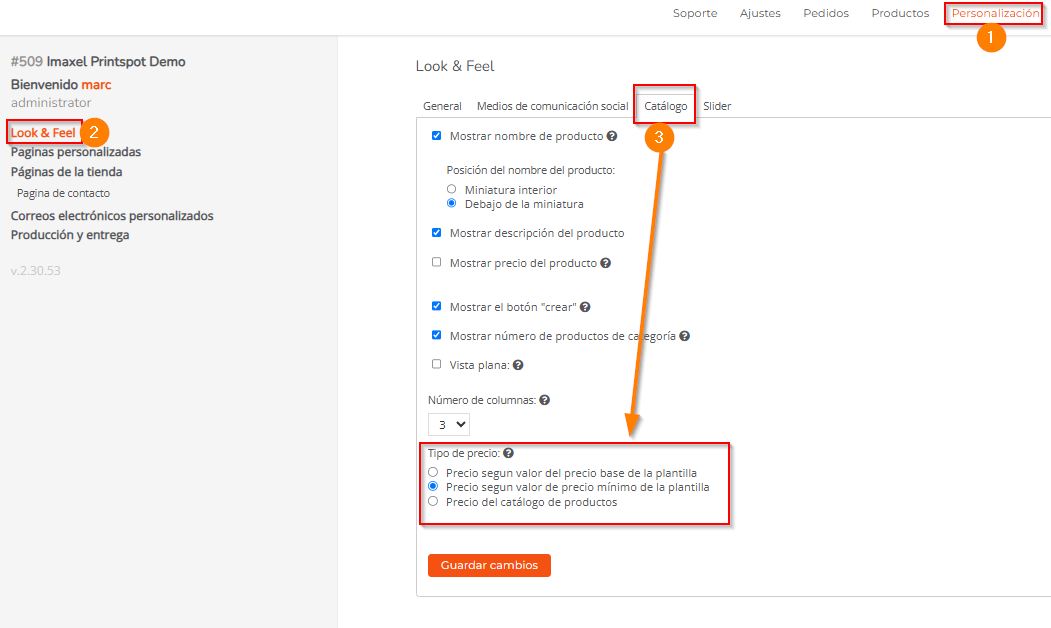
First, we have this checkbox which allows prices to be displayed in the store or not.
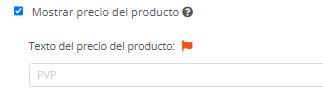
Where, once activated, the Product Price Text section will be enabled, which is a customizable text that will be placed right before the price.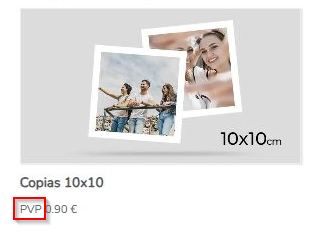
Price Type
Let’s take as an example that we have a copies template that has these price ranges: 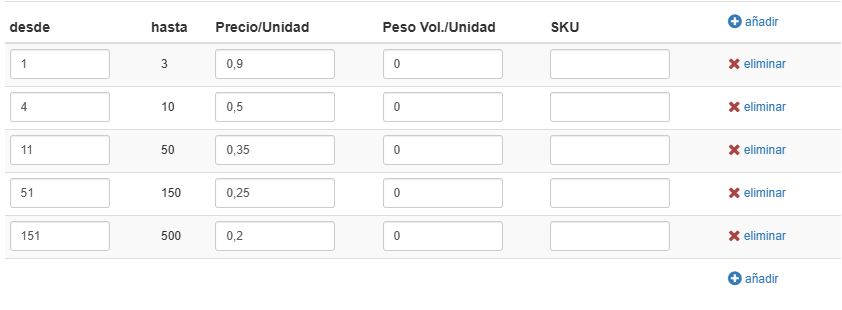
Price according to the template’s base price value
It will display the price of the minimum unit of the product, in this case, the range of 1 to 3 units. 
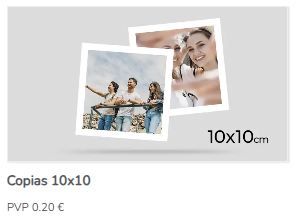
Price according to the template’s minimum price value
It will display the lowest price of all price ranges, in this case, the one for 151 to 500 units.
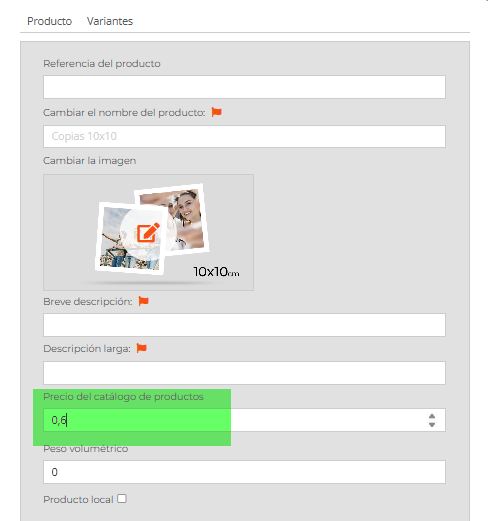
Product Catalog Price
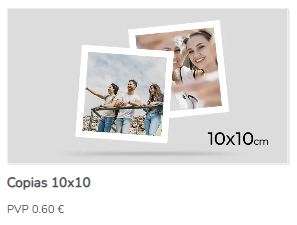
In the Product tab, we can overwrite the two previous template prices and set the value we want: